
LET’S GET PAID!
Underwriting/Quoting Guidelines
e-App Links
🏁
Underwriting Cheatsheets
🏁
Financial Inventory
🏁
Quoting Software
🏁
e-App Links 🏁 Underwriting Cheatsheets 🏁 Financial Inventory 🏁 Quoting Software 🏁
Express Quote: Select Policy type below 👇


Step 1/4.
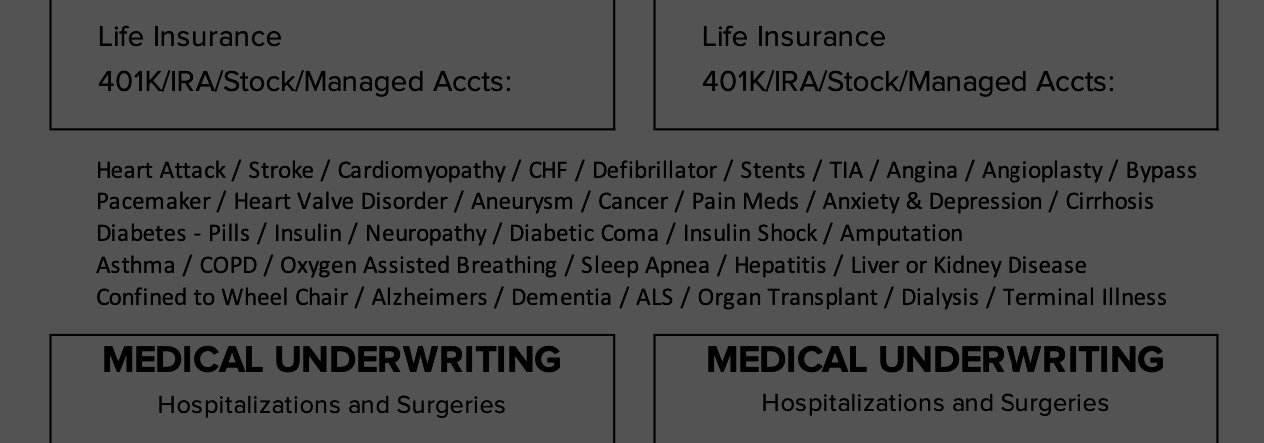
The Financial Inventory should be used in every appointment. Fill out the ENTIRE inventory
(All clients have different health conditions and/or financial situations).
This is where you will collect your client’s Beneficiary, their “Why / Reason” for getting life insurance, Financial information, and Health questions.
Leave NO BLANK SPACES. PLEASE COMPLETE THE ENTIRE FINANCIAL INVENTORY
Step 2/4.
Underwriting
Cheatsheets
After you fill out the entire Financial inventory (this includes the health section), it’s time to start looking at the underwriting options.
*NOTE: If the client is completely healthy, there’s a great chance you can find an AMERICO product that fits their needs and budget.
If you discover your client has Health Illnesses / Conditions, use the Underwriting Cheat Sheets (buttons below👇) to see the approval chances based on the client’s current health status.
***Pro Tip: When in doubt, always precheck Americo for eligibility (excluding knock-out conditions).
⬆️⬆️ This is an example of an underwriting cheatsheet. This will come in clutch for underwriting decisions!
STILL NEED HELP UNDERWRITING?
Still stuck? Use your Telegram App to ask the team a question in real-time! There is always a top producer available to answer any questions for needy clients with more health conditions than usual.
You also can use LifeCENTER, a free quoting tool that allows you to plug in your client’s DOB, Height/Weight, & Medical conditions. Get quotes from only the carriers you are contracted with (More information below).
Final Step: Need help closing the client? Reach out to your uplines via phone call or text. Sometimes a simple phone call is all you need!
Also- use the Cheatsheets, Drug Checklist, Quoting tools, and TELEGRAM chat (Underwriting Questions Tab) until the underwriting process becomes second nature. Your uplines are just the cherry on top.
Step 3/4:
Get Policy Quotes / Options
Most agents typically leave three options (Bronze, Silver, Gold) and let the client choose the best policy. You’ll be surprised how often “the middle option” is picked.
Rule of thumb: Quote the client policy options around 5-10% of their gross income, to make sure it is affordable every month.
*Use Sources like insurancetoolkits.com to get more thorough quoting options ($39/mo)
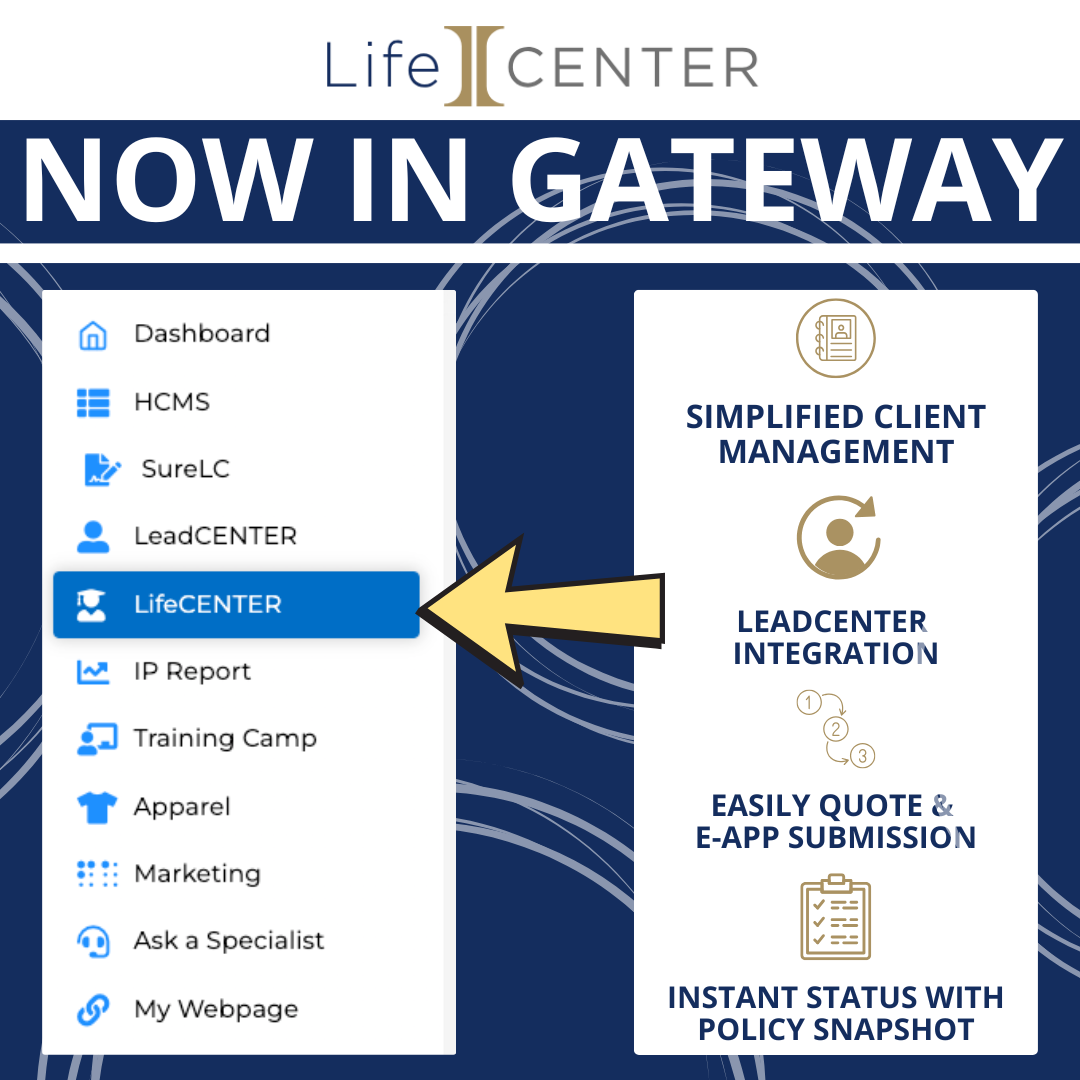
LifeCENTER connects the leads you’ve purchased from Intergrity’s LeadCENTER right into your quoting tool.
Quote ALL of the FEX, IUL, and TERM carriers you are contracted with AT THE SAME TIME!
Once you choose a carrier, you can create a new E-Application with a click of a button.
Some of your client’s data will be saved, transferred, and auto-filled into your app to save you time and stress!
Last Step (4/4):
Submit a Request for coverage!
Electronic Application 👇 Click your desired Carrier. 👇
AFTER EVERY CLOSE:
🎉 Submit Your Sale On Telegram!!! 🎉
As soon as you get done with the sale, post the monthly premium, client’s state, and the name of the carrier you wrote.
Get in the habit of posting every sale on Telegram! 🤪
Post under the “🏆 Daily Sales & Wins” thread
Example 1:
“ $147/ mo Americo Eagle S1 🦅 ”
if you write multiple apps, explain the sale detail.
Example 2:
“ His & Hers “
$214.13 / month AmAm SC his
$78.50 / month Aetna/CVS hers
Example 3:
“ Mom and Kid”
$128.46 / month MoO (Mutual of Omaha) Living Promise
$17.95 / month MoO children’s whole life”