

Welcome To The Family!
Your journey to Success has begun.

*USE THE CONTRACTING CHECKLIST BELOW FOR ONBOARDING👇
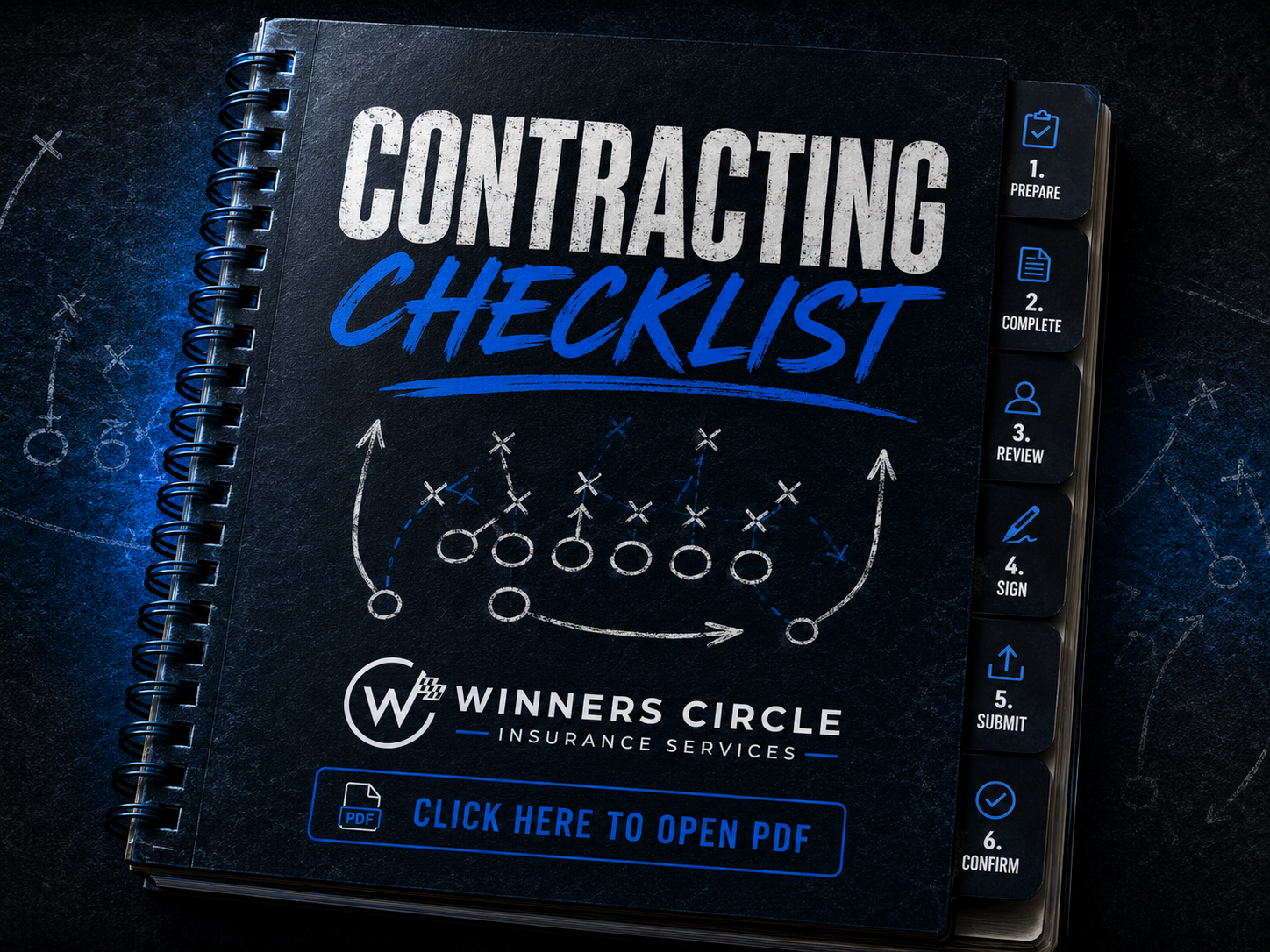
Please Complete Every Step for Complete Onboarding.
*It Takes LESS THAN One Hour To Complete.
BEFORE WE BEGIN:
Review & Sign the Agent Agreement
At this point, your upline/hiring manager should have introduced you to a contracting specialist via text message or phone call. They will send over a DocuSign Agent Agreement to your email. After you sign and complete the agreement, you will schedule an “ID Verification / Welcome to the Team” ZOOM Call (10-15 minutes).
✅Please make sure you have access to the following:
National Producer Number (NPN)
Voided Check / Bank Statement with Full Account Number
E&O Insurance information (Explained Below)
Your Contracting Manager will register your profile under the Hierarchy Compensation Management System (HCMS). Once registered, you will receive 3 emails:
Your personalized link to SureLC/SuranceBay (contracting request platform)
Your HCMS Account setup link, “Onboarding for New Agents” (<no-reply@uppatop.com>)
A "Welcome To the Winner’s Circle" (Introducing Slack, Home Office Zoom, Team Website, Tutorial PDFs, etc.)
🚨**NOTE: All new agent requests are time-sensitive and will expire in 48 hours.
Please finish ASAP so your profile does not expire.
This is MANDATORY for ALL agents; E&O insurance covers any malpractice lawsuits (Protection if a client tries to sue you). We recommend NEXT insurance, for it’s the most cost-effective on the market.
After you create your profile, select NEWLY LICENSED L&H AGENT
Select $0-$100,000 Net Revenues
$1 Million per claim / $3 Million annual aggregate
Select Option A: Life, accident, health, LTC, disability, including Medicare Advantage & Medicare Supplements, employee benefit administration
Select Option “B” if you want to sell Annuities out of the Gate
Step 1: Complete your SureLC Account
Your profile will syndicate your information to all the carriers so you don’t have to fill out the same questions over…and over, and over again.
Please make sure all of your information is correct before submission.
Watch the 3 MINUTE video above for SureLC Walkthrough. 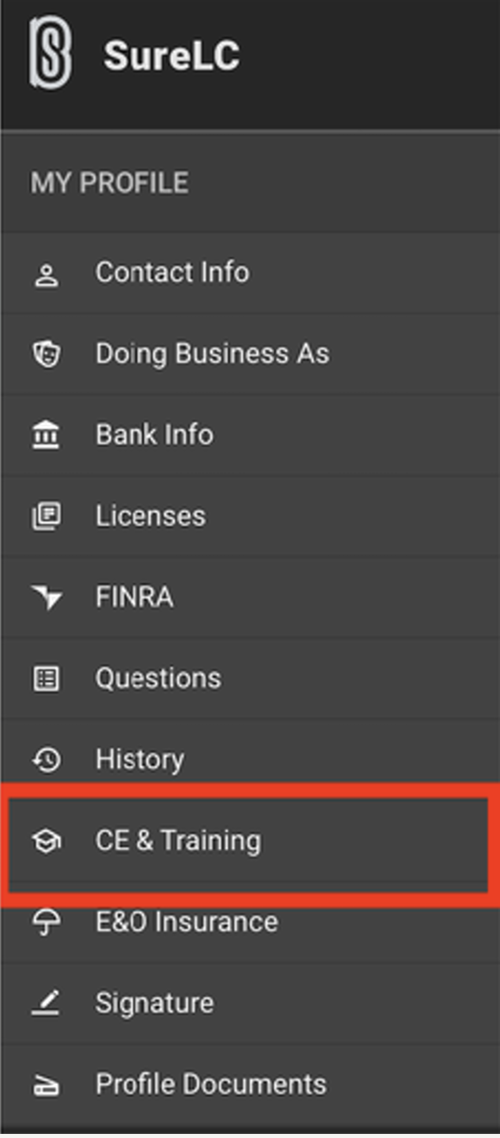
✅ Finish SureLC Profile.
Take the time to fill out every section (Exlcuding Licenses). Make sure you are as accurate as possible with your answers.
(Takes about 15-20 min to complete)
Contact Info: Make sure it’s up to date.
Doing Business As: “Individual”
DO NOT select Solicitors
Assign Commissions only if you have a Business Banking for an LLC.
Bank Info: Upload and Input your Voided Check or Bank Letter
LICENSES: SKIP section
FINRA: Are you a registered representative with FINRA? NO
Questions: Answer to the best of your knowledge
History: Please input the last 5 years of Employment
CE & Training (AML): See Below
E&O Insurance: Upload your E&O Insurance certificate (from Next)
Signature - Complete Training First, then sign your digital signature.
✅ Complete the Anti-Money Laundering Course (AML)
(Takes about 7-15 minutes to complete)

Anti-Money Laundering Course: SuranceBay LLC. (FREE)
Your “AML” course will be found in your SureLC account under the “C.E. and Training” tab.
This is required to receive writing numbers or commissions.
Get through this swiftly! Most of it is Morals & Ethics
*** cough cough…. (chatGPT).. cough…😏 to speed the process!
You can not fail the course… retake the questions until you pass.
*Save & upload your AML (Anti-Money Laundering) certificate to SureLC under “CE & Training Section” once you finish the courses.
Step 2: Create HCMS profile
(3 Minutes to complete)
Explanatory video found above.Go to your email client (e.g., Gmail, Yahoo) to locate your HCMS onboarding:
⭐️ Subject line: "Family First Life (FFL) - Onboarding for New Agents"
⭐️ Email sender: <no-reply@uppatop.com>
**Check your spam folder (if you don’t see it in your primary email).
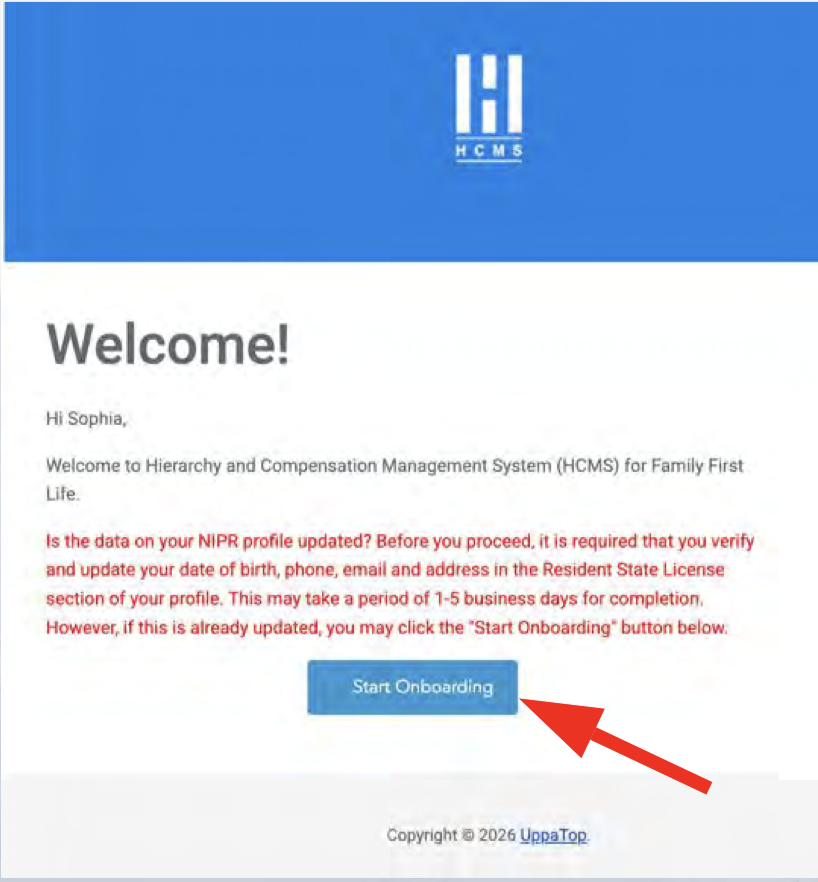
Please have the following ready to complete your profile:
E&O Insurance Certificate
Voided Check (or Bank Statement with visible full account number; pictures are fine.)
AML Certificate (Surancebay)
EIN (only if the contracting entity is “a business”).
Direct Upline’s Name (example: Arthur Forrest)
Step 3: Complete NLC Profile & Contracting
(10 Minutes to complete)
Please Submit Your:
Bank Details (Voided Check)
E&O Insurance (Next)
Trainings (AML Certificate)
Questions:
*Question 12) What is your preferred sales channel? -Individual Agent
*Question 49) Is your firm FINRA registered? -NO
*Question 58) Have you taken the Anti-Money Laundering (AML) training course?-YES (Input the information needed)
*Questions 66, 67, 68, 69, 70) ISSUING COMPANY…? SELECT YES
When you finish Bank Details, E&O Ins., Trainings (AML), and Questions, then you can go back to the Dashboard (found at the top of the tab selections) to start your request for carriers.
Use the button below for a step-by-step breakdown on how to request carrier contracts. 👇
⭐️ Contracting “Currently At” Statuses:
Your Initial Contract Request Status Should Read “At BGA”.
We Need the Carrier Status to be “At Carrier”.
BGA: Pending. Check SuranceBay for contracting updates DAILY with each carrier.
Carrier: Good Job, you have done it correctly and your contract has been sent to our home office. Writing numbers coming shortly.
Producer: Not Good, home office has found an error with your application. Address the error, then resubmit.
Discarded: email: contracting@winnerscircle.info for help.
After 1 Week has passed:
Start checking on your status with the remaining carriers for at least a week. It wouldn’t hurt to call the carriers individually to ask for the status and ask if they can expedite the process for you. Sometimes you get lucky and find the right person to help you out right then and there.
** Create a username and password for every carrier as you get the back office welcome email.
Have all log-in information stored on your iPad/Computer (BEFORE you get into your first appointment).
Carrier Phone Numbers:
Americo: 800-231-0801
Mutual of Omaha: 800-867-6873
TransAmerica: 877-234-4848
Corebridge / AIG: 800-677-3311
Athene: 888‑266‑8489
Foresters: 866-466-7166
American Amicable: 800-736-7311
Aetna / CVS: 866-272-6630
*Reminder to those switching insurance companies to work with Winner’s Circle
*Please Terminate Your Previous Contracts*
VERY IMPORTANT NOTE: If you were previously appointed with Mutual of Omaha or Americo with a different company/IMO then follow these steps to avoid issues. Regardless if you wrote business or not. If you were not previously appointed with these companies then ignore this section.
Americo – Send Americo Contracting an email terminating your contract and producer # with your previous company. 800.231.0801.
Find out from Americo when you are clear to submit a new appointment request with us.
Mutual of Omaha – We can not assist you with this as this relates to your contract and agreement with your previous company. Your FFL manager and contracting department are not authorized to change your previous agreement – only you can do this.

Keep your upline and hiring manager updated throughout the entire contracting process. For example, leave a text message to the group saying that you received two carrier writing numbers so far.
Follow up with each carrier in 5 business days after your Contract Request changed to " At Carrier" Status
Verify they have all your contracting paperwork and that there are no outstanding requirements with SureLC
Call each carrier every working day after the first week- stay on top to expedite the process!
Carrier contact info can be found: HERE
Keep an eye on contracting links from the carriers
Make sure to look in your SPAM and Promotional folders of your email if the carriers say they sent your information already.
** Create a username and password for every carrier as you get the back office welcome email.
Have all log-in information stored on your iPad/Computer (BEFORE you get into your first appointment).

Finally, Get Plugged In.
We use several social platforms for communication and to keep track of daily successes. Before you begin, make sure to join the Telegram Group, and start the New Agent Academy.
✅Download Team TELEGRAM app
✅ Join Live ZOOM Calls almost daily (HomeOfficeZoom.com)
✅Start new agent academy:
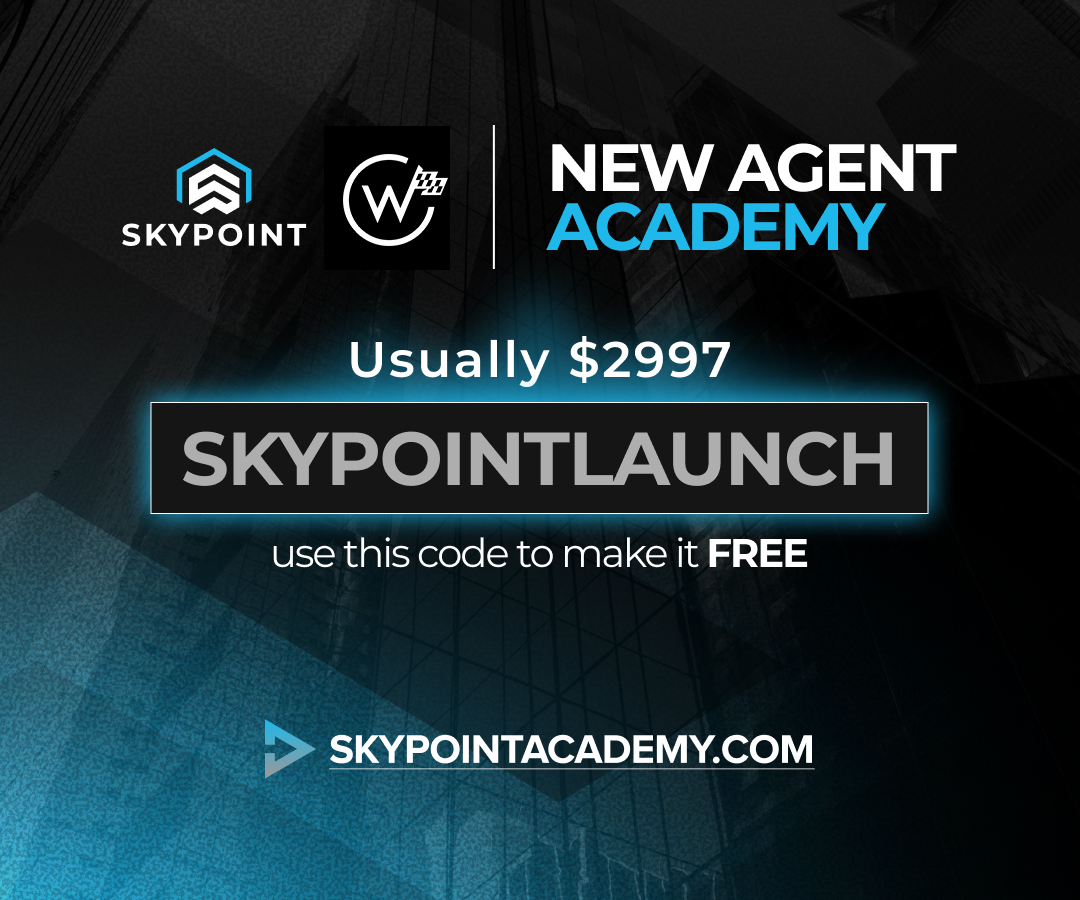
**Learn from the Best. Start your training HERE (Free Training, $0.00)
The Bootcamp will teach you Winner’s Circle system and how to become a Hall-Of-Fame producer.
Learn techniques on How to Feel Confident in every appointment.
Learn how to Dial like a pro, book solid appointments, learn the in-home process, product knowledge, and more!
(Training is FREE with Discount Code: SKYPOINTLAUNCH
The Calm Before the Storm…
✅ As you wait for your writing numbers to start coming in:
Start the New Agent Academy while you are waiting for writing numbers
Complete (carrier usernames/passwords) as soon as you receive welcome emails .
Order Marketing supplies directly from the carriers (Brochures, Trifolds, and Folders are free).
Become familiar with all Carrier’s eApps to submit business.
REMEMBER: You DO NOT have to wait for ALL of your Writing numbers to come in before you start! You can go to work after you receive the first carrier acceptance.
✅ Ask Manager/Upline for FamilyFirstLife.com login (Agent CRM).
Your contracting manager or upline will need to generate an access code.
After it has been requested, check your email with a heading that says
“Welcome to Family First Life”. It will have the code for your familyfirstlife.com login.
After you get access to the FFL website, Go to www.familyfirstlife.com to begin.
This is where you will purchase your leads.
You can access your Year-to-Date, Agency production, and sort purchased leads from the CRM.